Insights.
Practical thinking on the web in 2026.
Plain English thinking on web design, AI, SEO and the systems behind a busy small business. No fluff. No filler. Just things worth knowing.

Latest articles.

How we build
How Much Does a Website Cost in 2026? UK Pricing Guide
Transparent breakdown of website costs in the UK. Compare freelancers, agencies, DIY platforms, and custom solutions to find the right fit for your business.
9 April 2026·8 min read
Read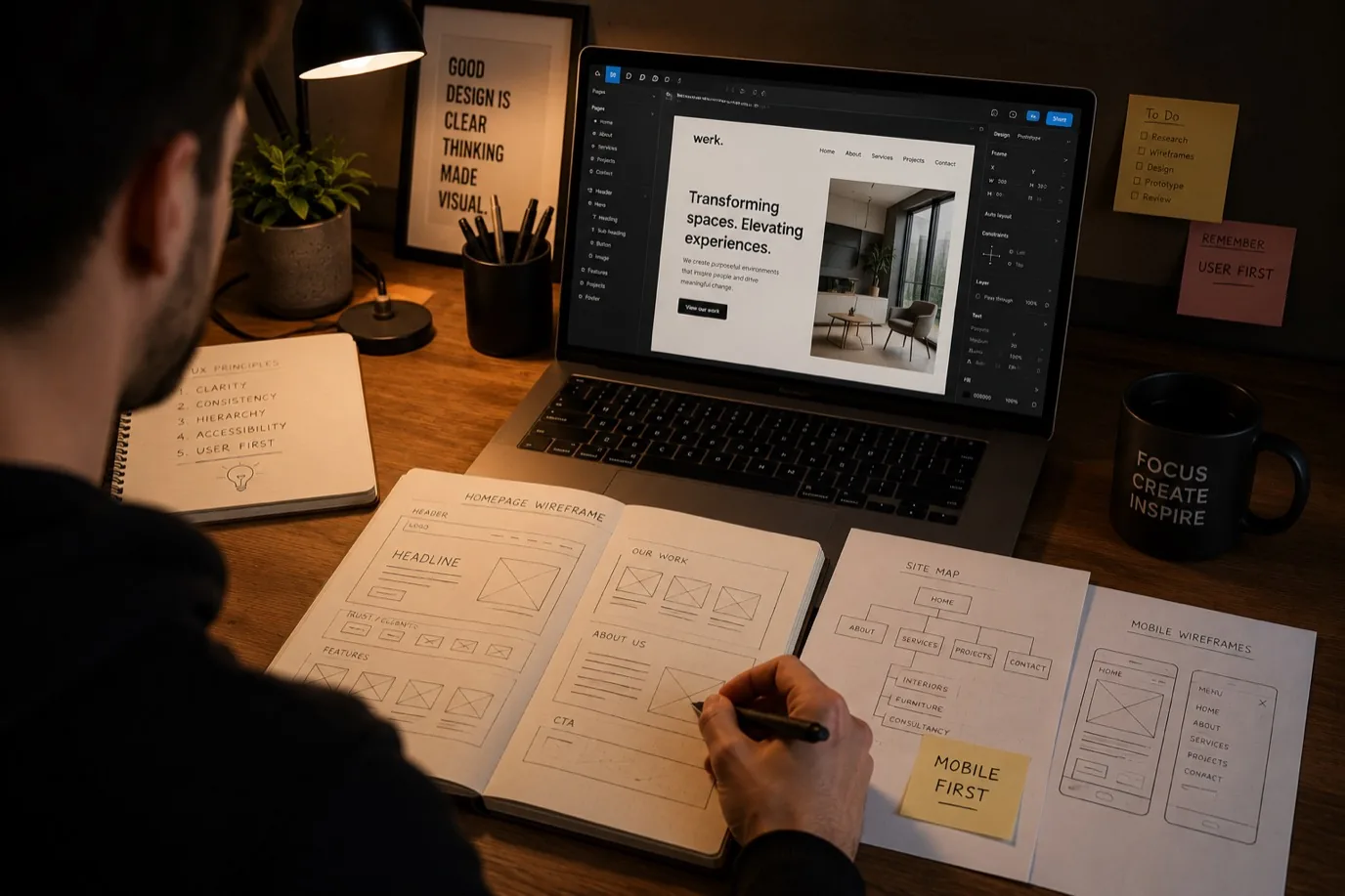
Buying a website
How to Choose a Web Designer for Your Small Business
Find the right web designer for your small business. Expert tips on evaluating portfolios, process and fit before you invest.
6 July 2026·6 min read
Read
Buying a website
9 Warning Signs Your Website Project Is Going Wrong
Spot website project problems early. 9 red flags to catch before they become expensive mistakes or missed deadlines.
9 July 2026·6 min read
Read
Buying a website
Do You Need a Website or Just Social Media?
Website or social media for your small business. When you need both, when one is enough, and why your choice matters.
23 July 2026·6 min read
Read
Buying a website
How Long Should a Small Business Website Take?
Realistic timeline for a small business website. What determines how long it takes and why rushing doesn't help.
6 August 2026·6 min read
Read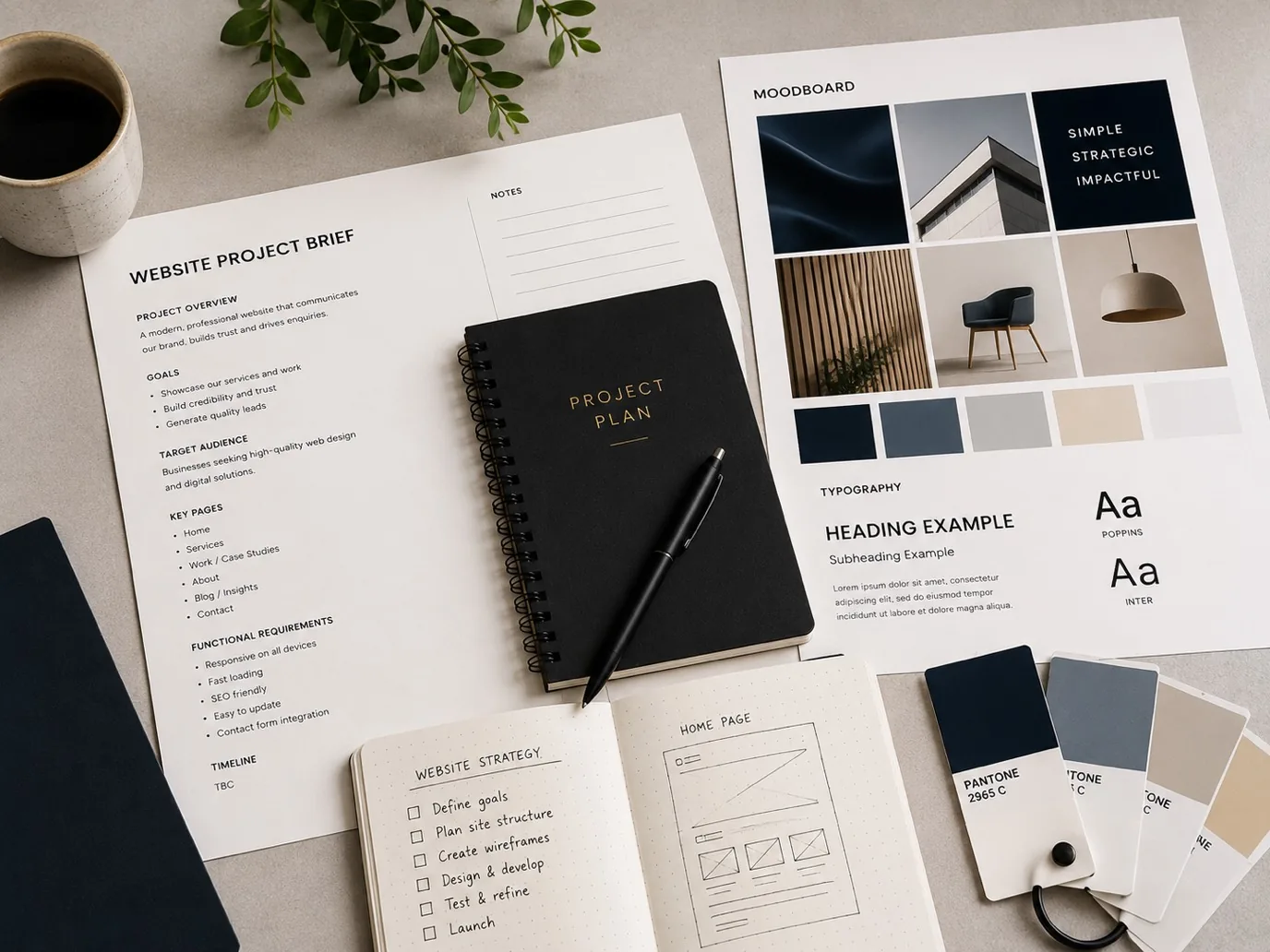
Buying a website
What to Prepare Before Starting a Website Project
Prepare for your website build. Learn what information, assets and decisions you need ready before your project starts.
20 August 2026·6 min read
Read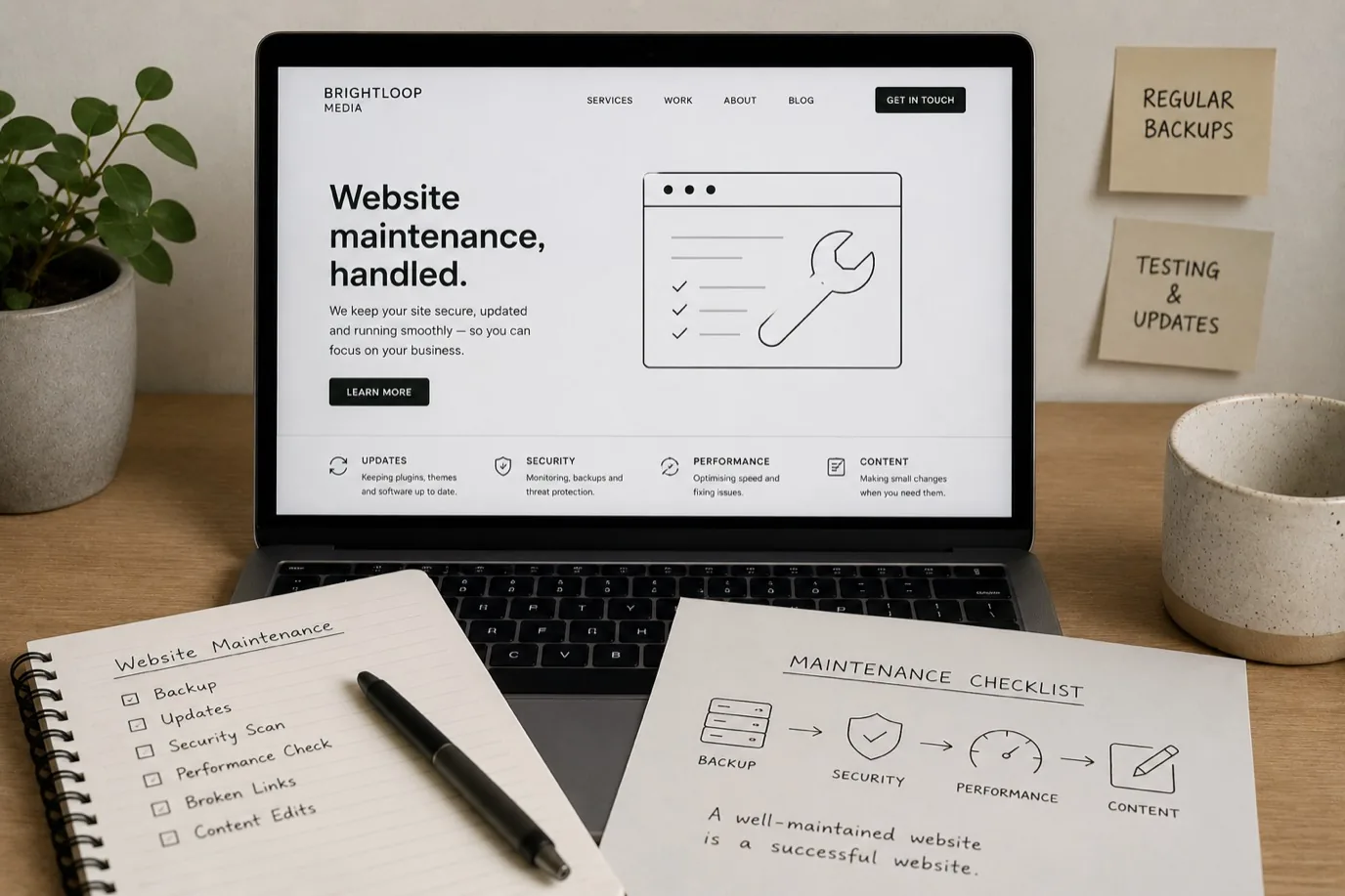
Buying a website
Website Maintenance: What You Actually Need
Understand website maintenance. Learn what updates matter, how often to maintain your site, and when to get professional help.
3 September 2026·6 min read
Read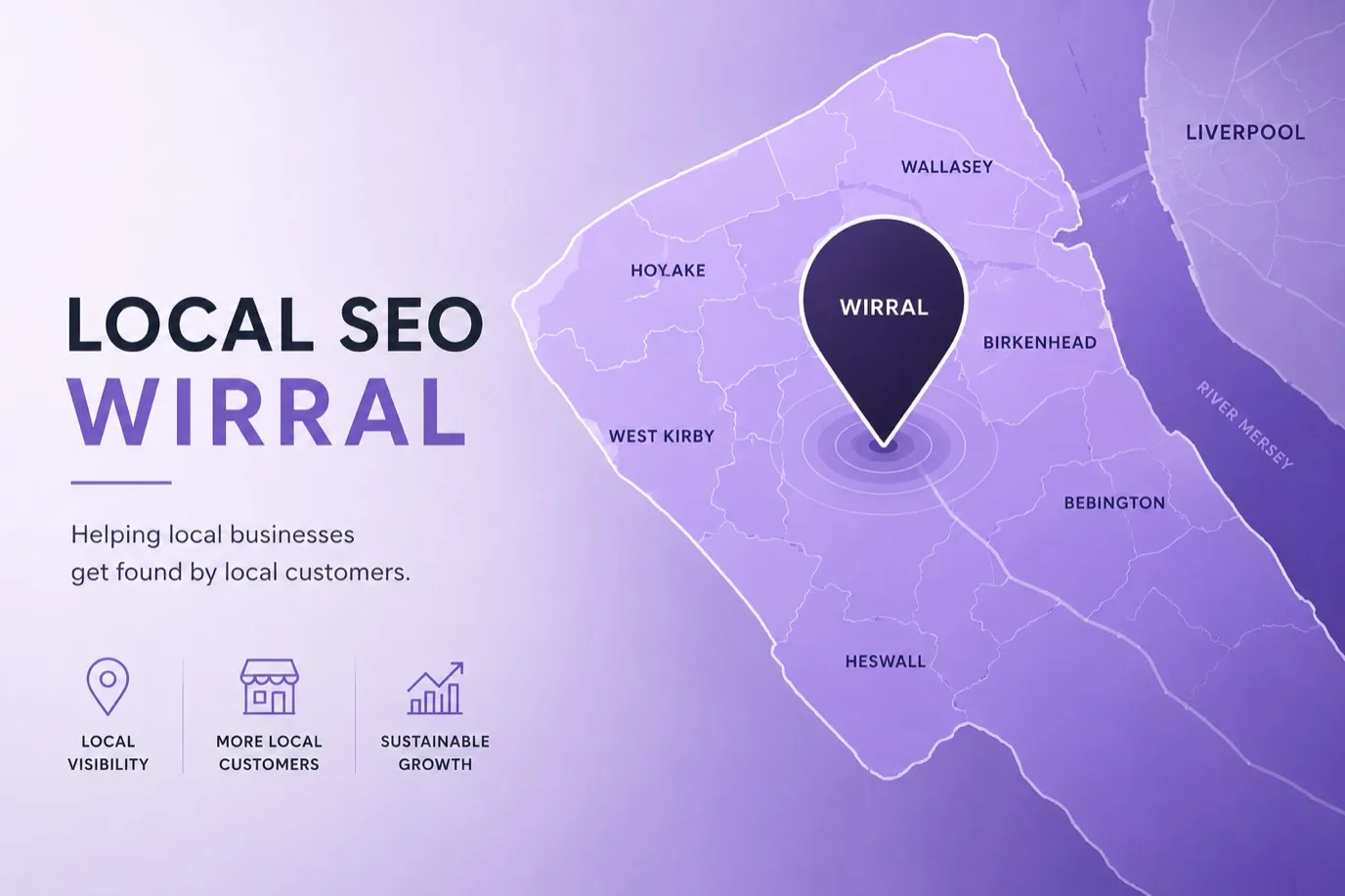
SEO and GEO
Local SEO for Wirral Small Businesses
Local SEO guide for Wirral and Merseyside businesses. Get found by local customers searching for your services online.
6 July 2026·7 min read
Read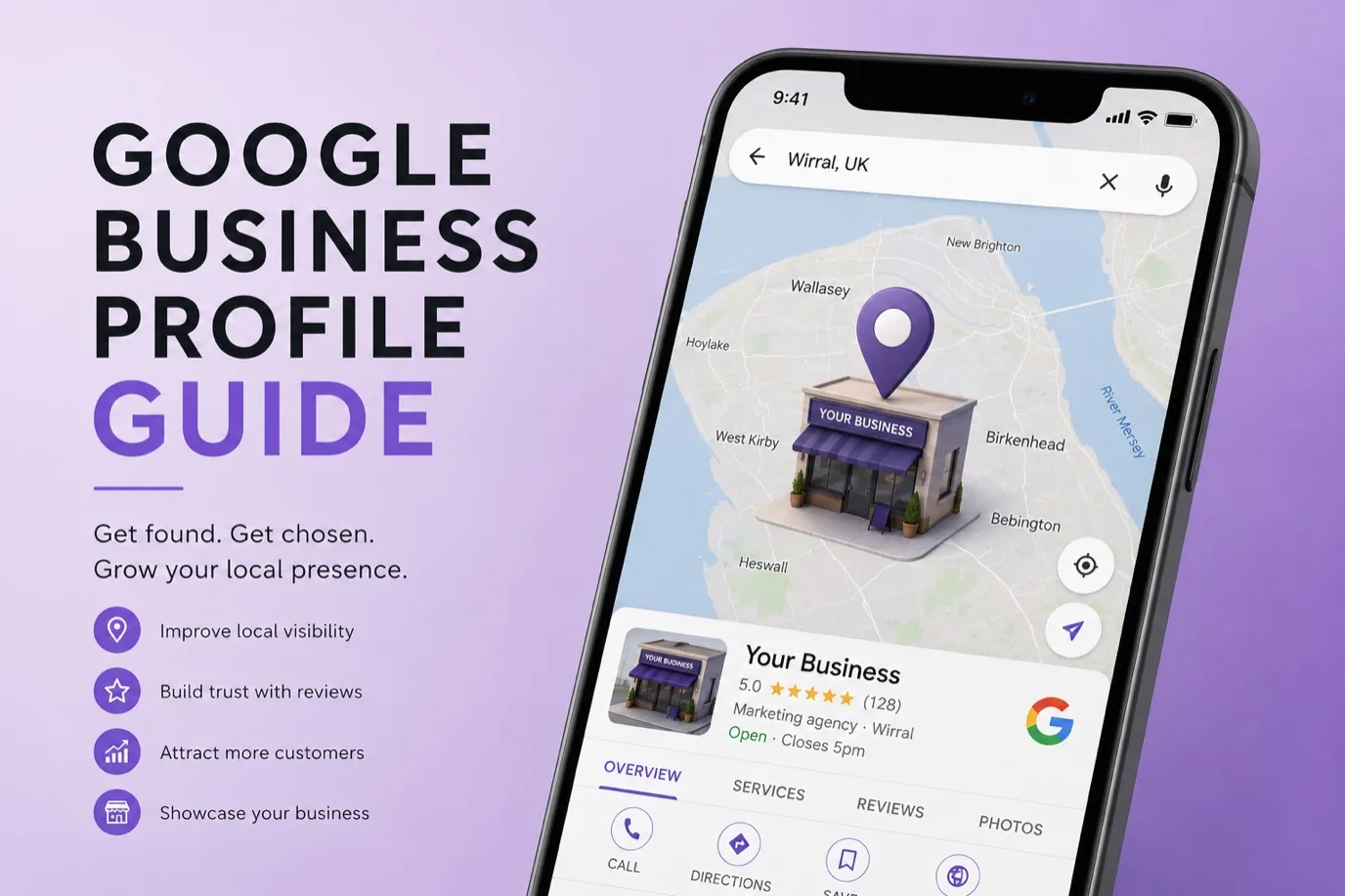
SEO and GEO
Google Business Profile: A Small Business Guide
Complete Google Business Profile guide for small businesses. Learn how to set up, optimise, and use it to attract more local customers.
6 July 2026·7 min read
Read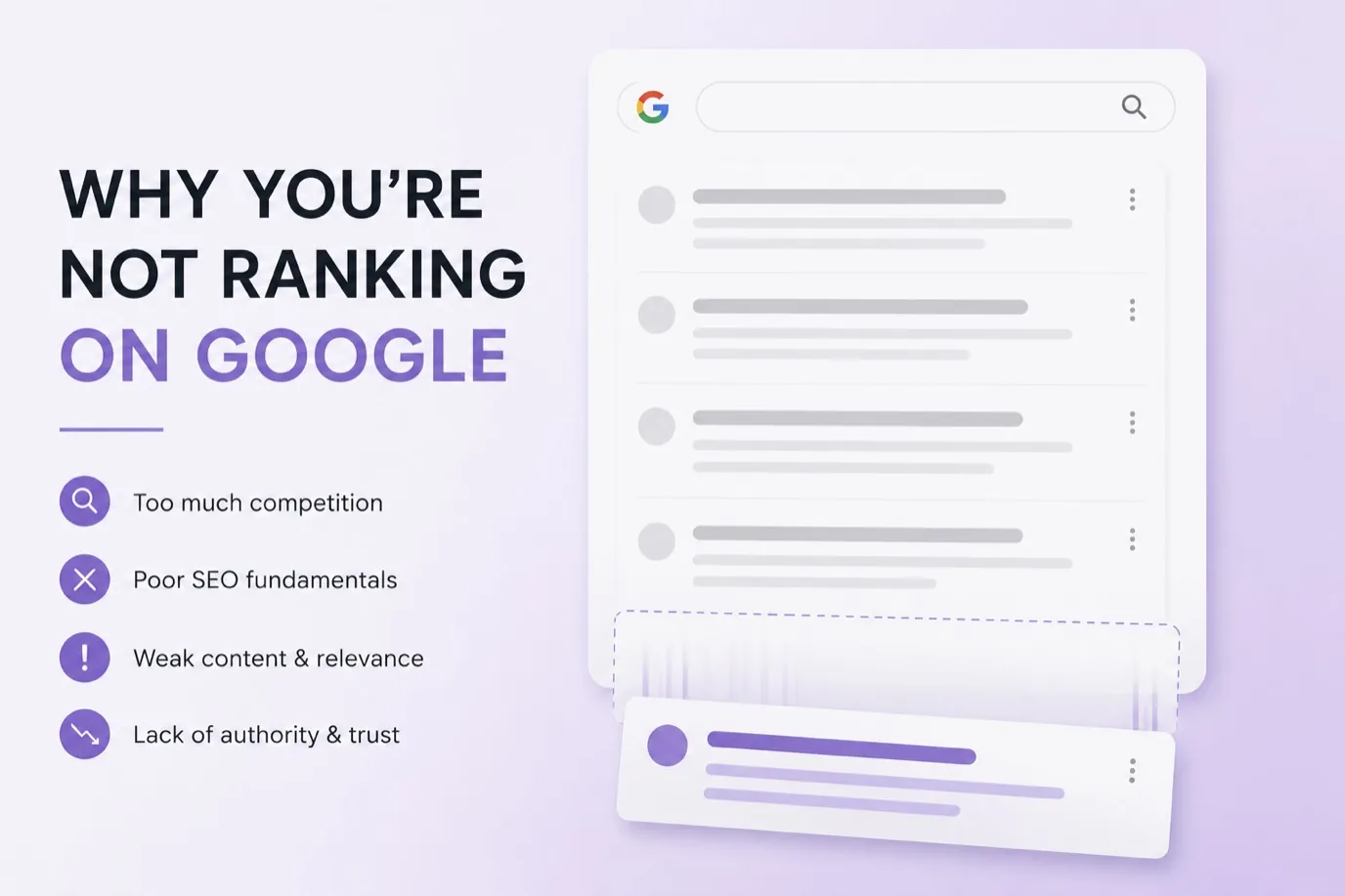
SEO and GEO
Why Your Small Business Site Is Not Ranking
Why small business websites struggle to rank on Google. Discover the real reasons and what actually works to fix them.
13 July 2026·7 min read
Read
SEO and GEO
Building an Online Presence Across Merseyside
How Merseyside and Liverpool businesses build online visibility that works locally. Strategy, not vanity.
10 August 2026·7 min read
Read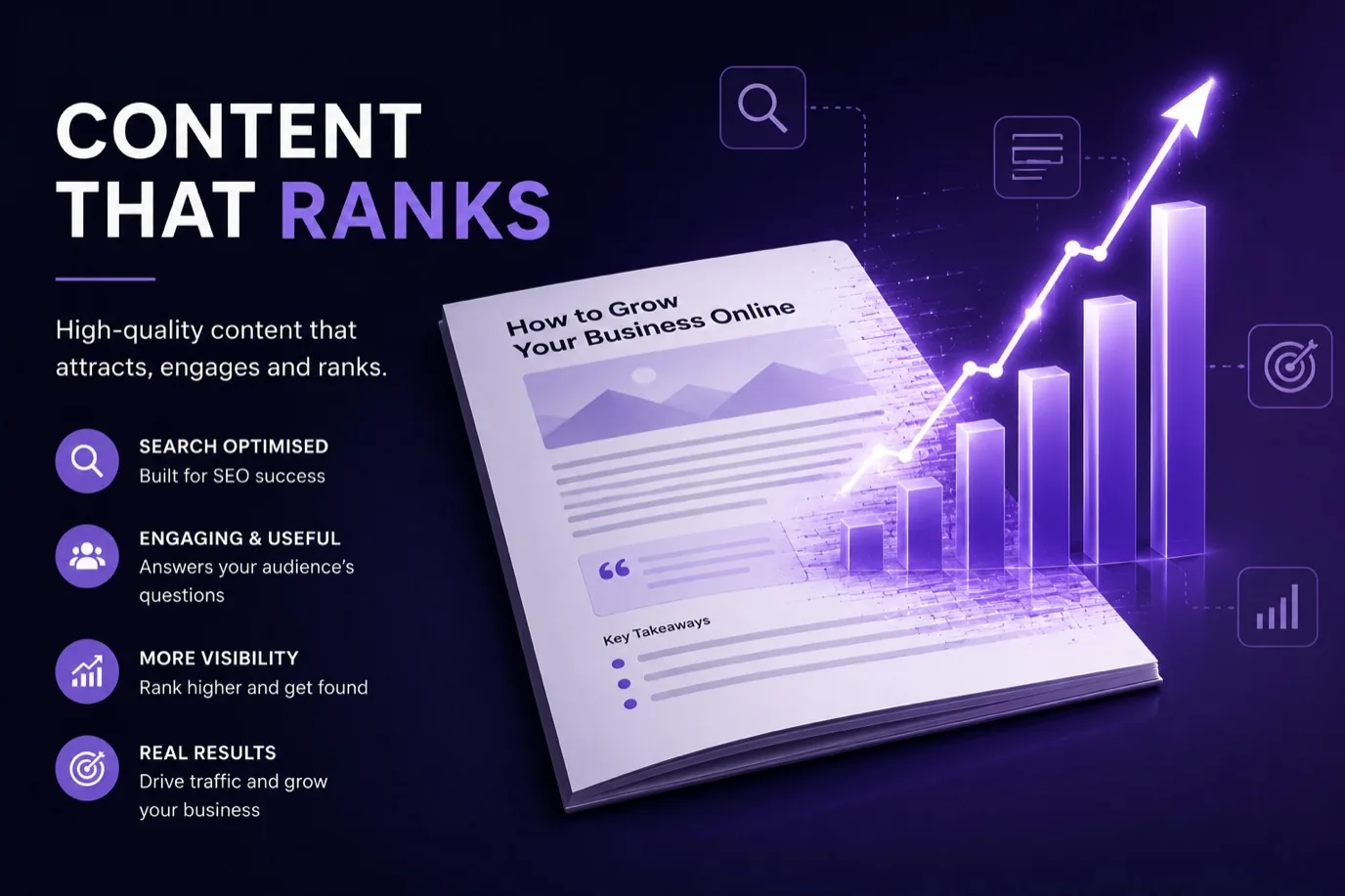
SEO and GEO
Simple Content That Ranks for Small Businesses
How to write content that ranks on Google. Real strategies that work for small business websites, not just large publishers.
24 August 2026·7 min read
Read
AI for business
AI Automation for Small Business: Real Examples
Discover practical AI automation examples that save small businesses time and money. From lead qualification to email management, see what actually works.
6 July 2026·6 min read
Read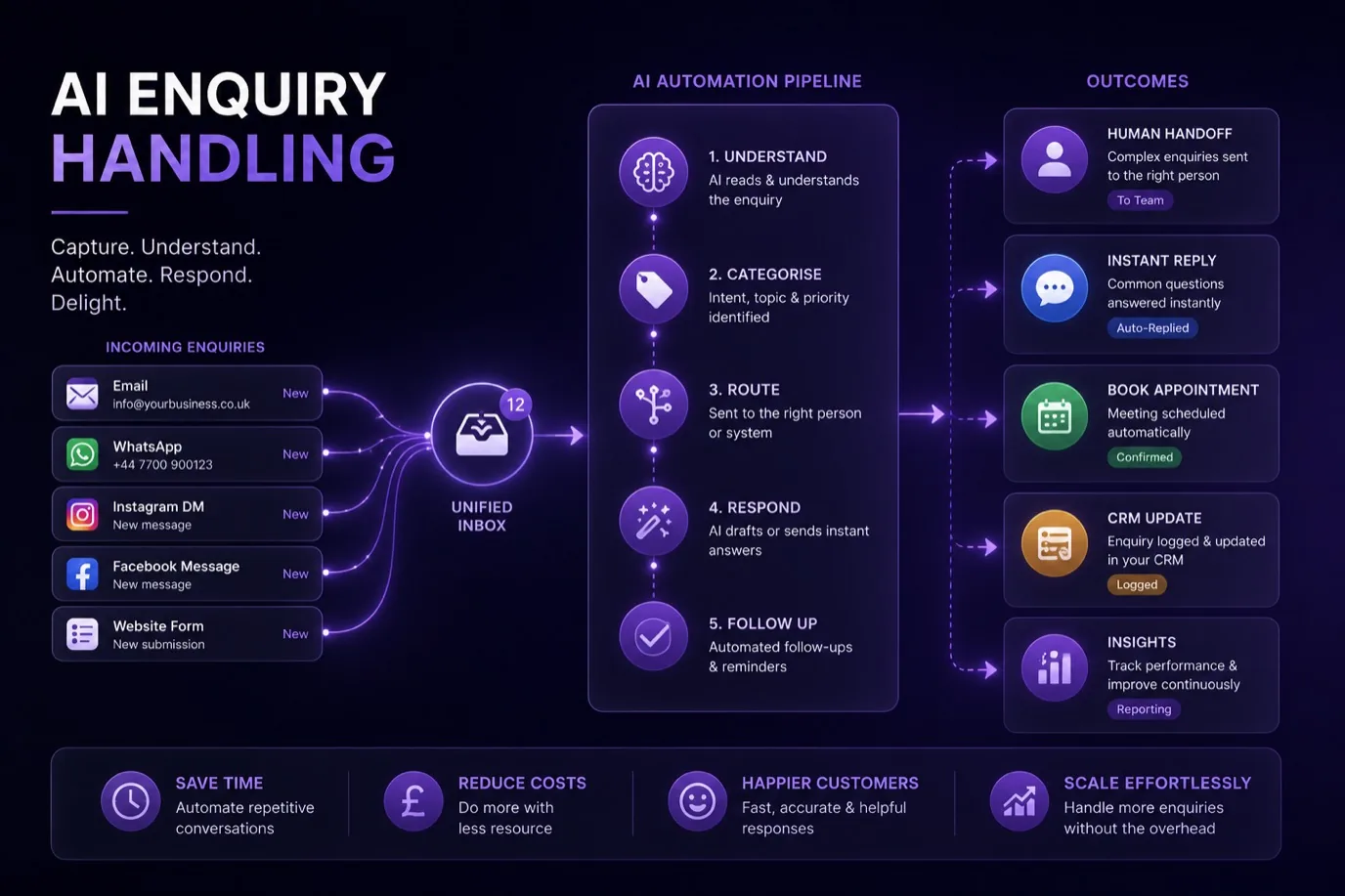
AI for business
Never Miss a Lead: Automated Enquiry Handling
Stop losing leads to slow responses. Automated enquiry handling qualifies prospects, sends instant responses, and prioritises your best opportunities.
16 July 2026·6 min read
Read
AI for business
Are AI Chatbots Worth It for a Small Business?
Should you add a chatbot to your website? We break down when they make sense, what they actually save, and the mistakes most businesses make.
30 July 2026·7 min read
Read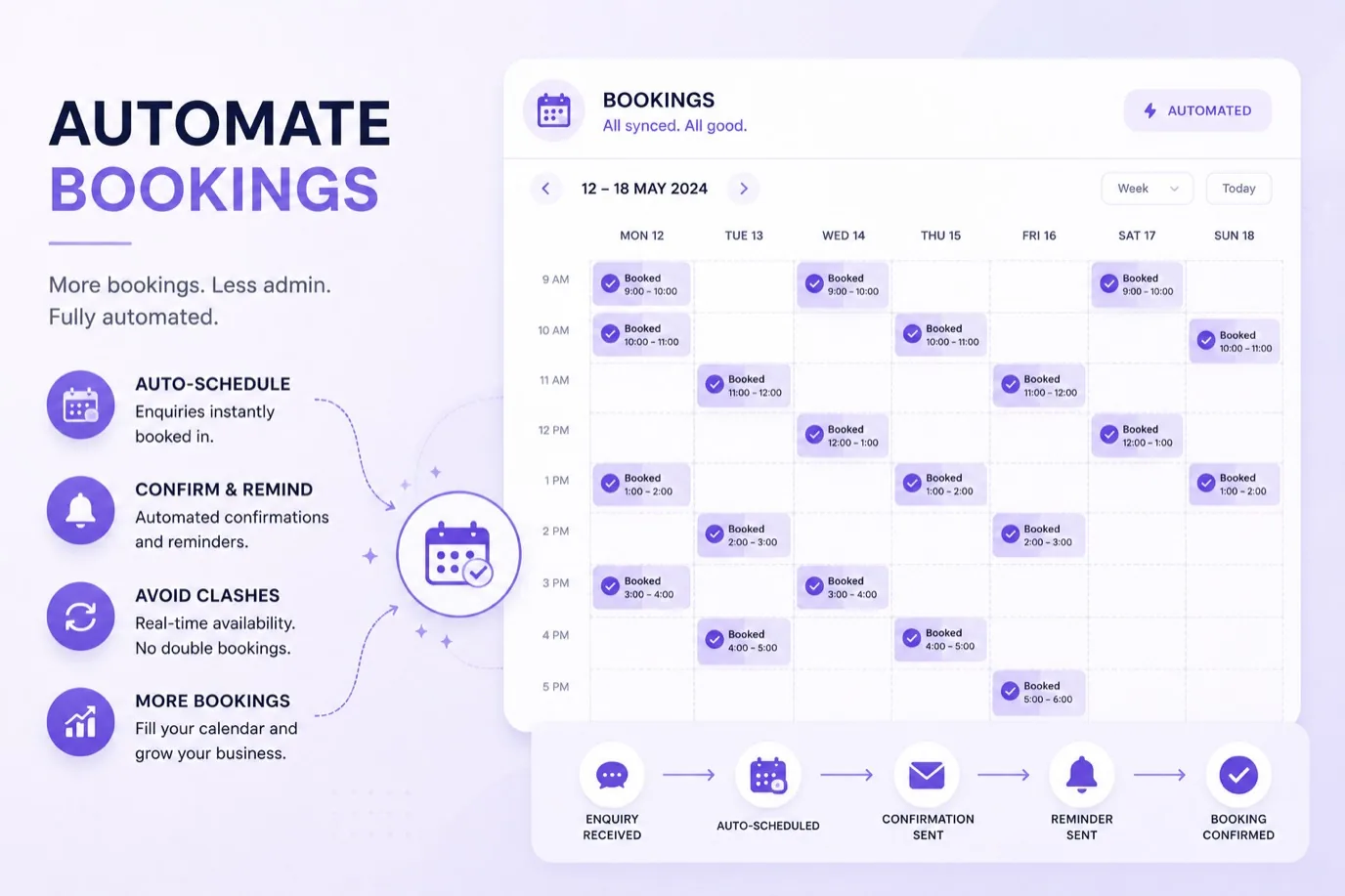
AI for business
Automate Bookings and Cut No-Shows
Automated booking systems send reminders, reduce no-shows, and let customers reschedule themselves. See why salons, gyms and services use them.
6 July 2026·6 min read
Read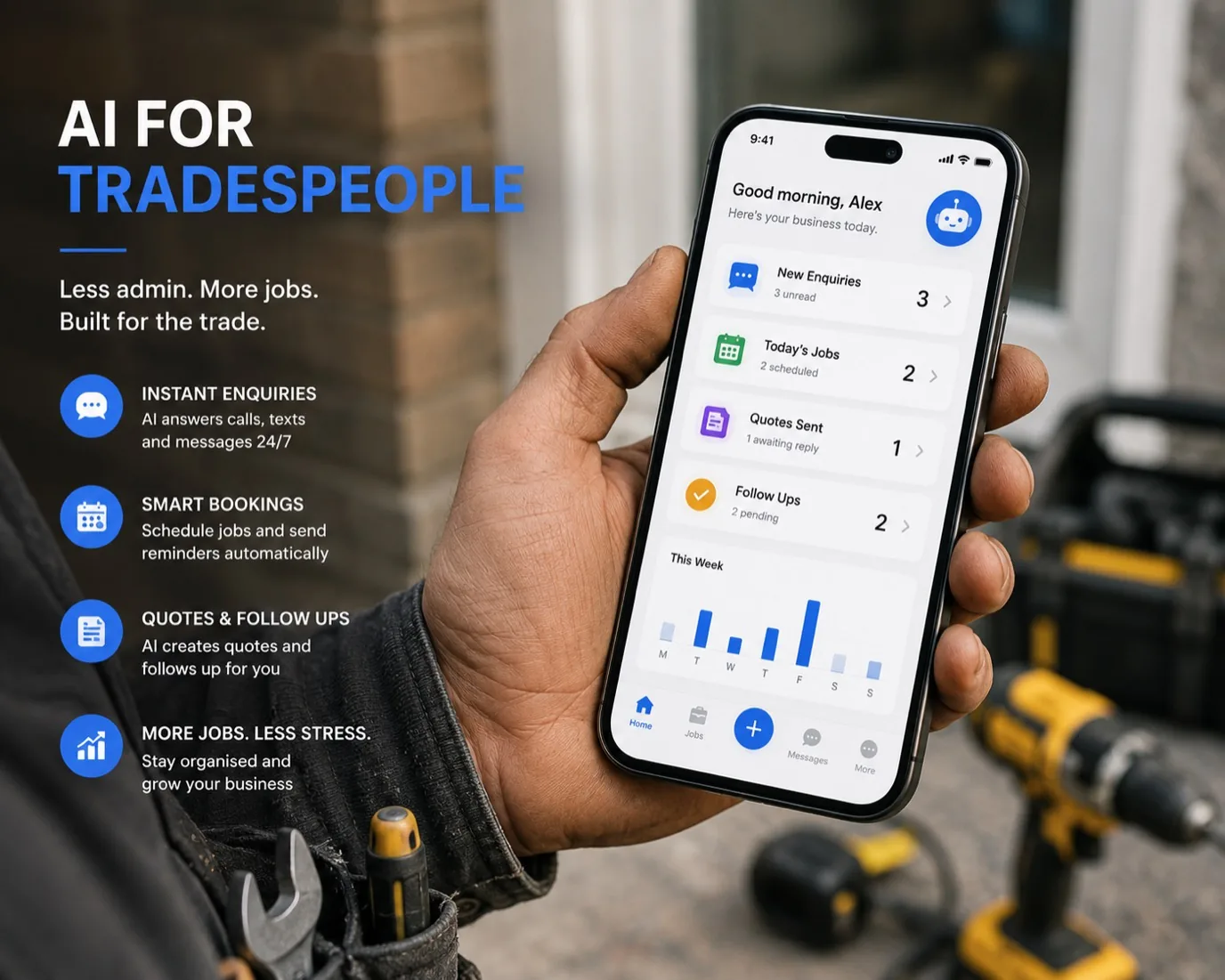
AI for business
Practical AI for Tradespeople
How builders, plumbers and electricians use AI to save time, reduce admin and grow their business.
13 August 2026·7 min read
Read
AI for business
What Can AI Actually Do for My Business?
A straightforward look at real ways AI can help small businesses save time, reduce costs and grow.
27 August 2026·7 min read
Read
How we build
Why Website Speed Matters for Small Businesses
How fast your website loads affects customer experience, search rankings and sales. What you need to know.
20 July 2026·6 min read
Read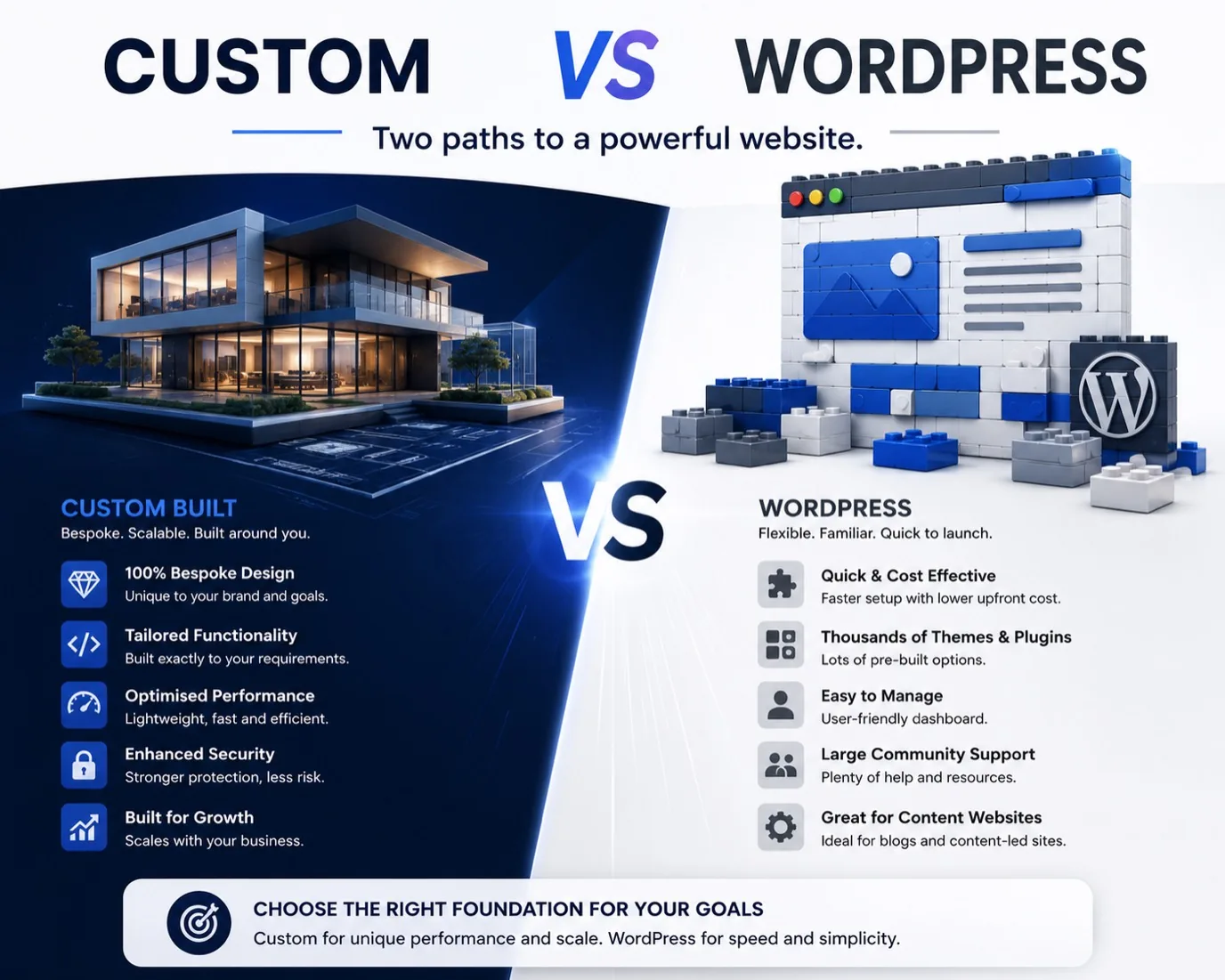
How we build
Custom Build vs WordPress and Templates: The Honest Maths
Custom costs more on day one. Over three years the gap closes, and often reverses. The real numbers for WordPress, Squarespace and a custom build, the performance and SEO gaps, and the cases where we tell you to use a template.
3 August 2026·15 min read
Read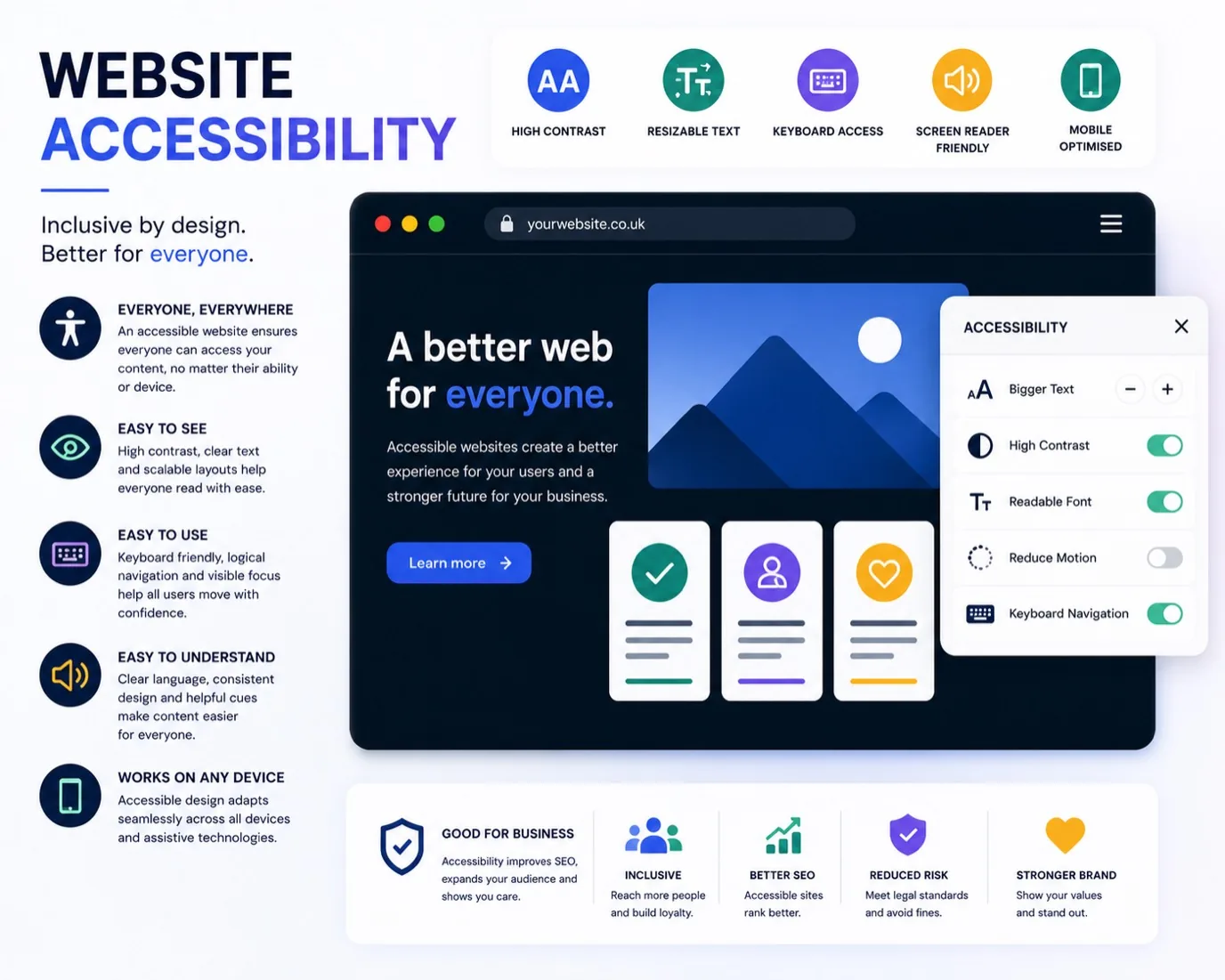
How we build
Why an Accessible Website Wins More Customers
An accessible website isn't just about compliance. It means more customers, better conversions, and a site that works for everyone.
17 August 2026·6 min read
Read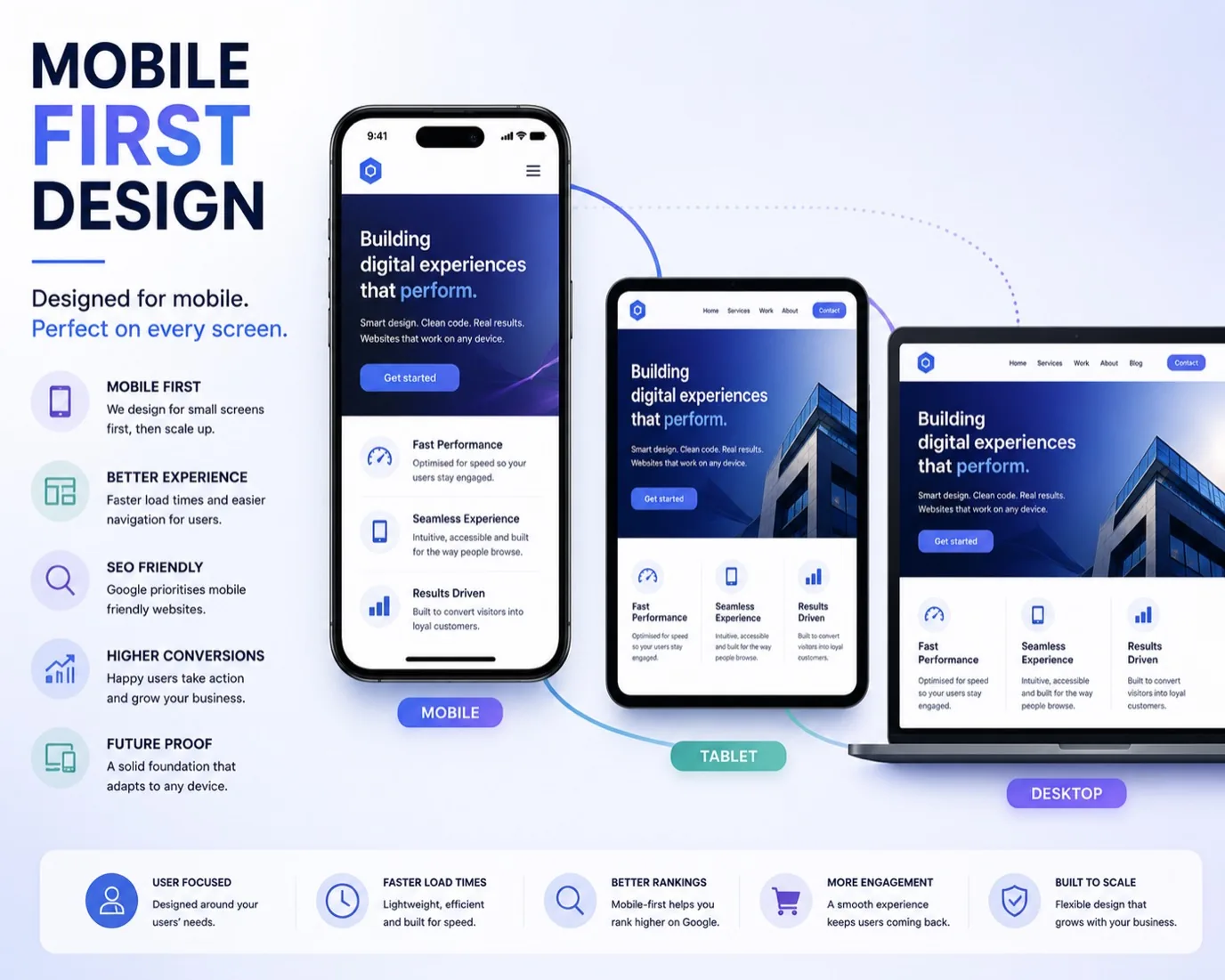
How we build
Mobile First: Designing for the Phone Customer
More than half your website visitors are on mobile. Mobile first design isn't optional, it's how you win customers.
31 August 2026·6 min read
Read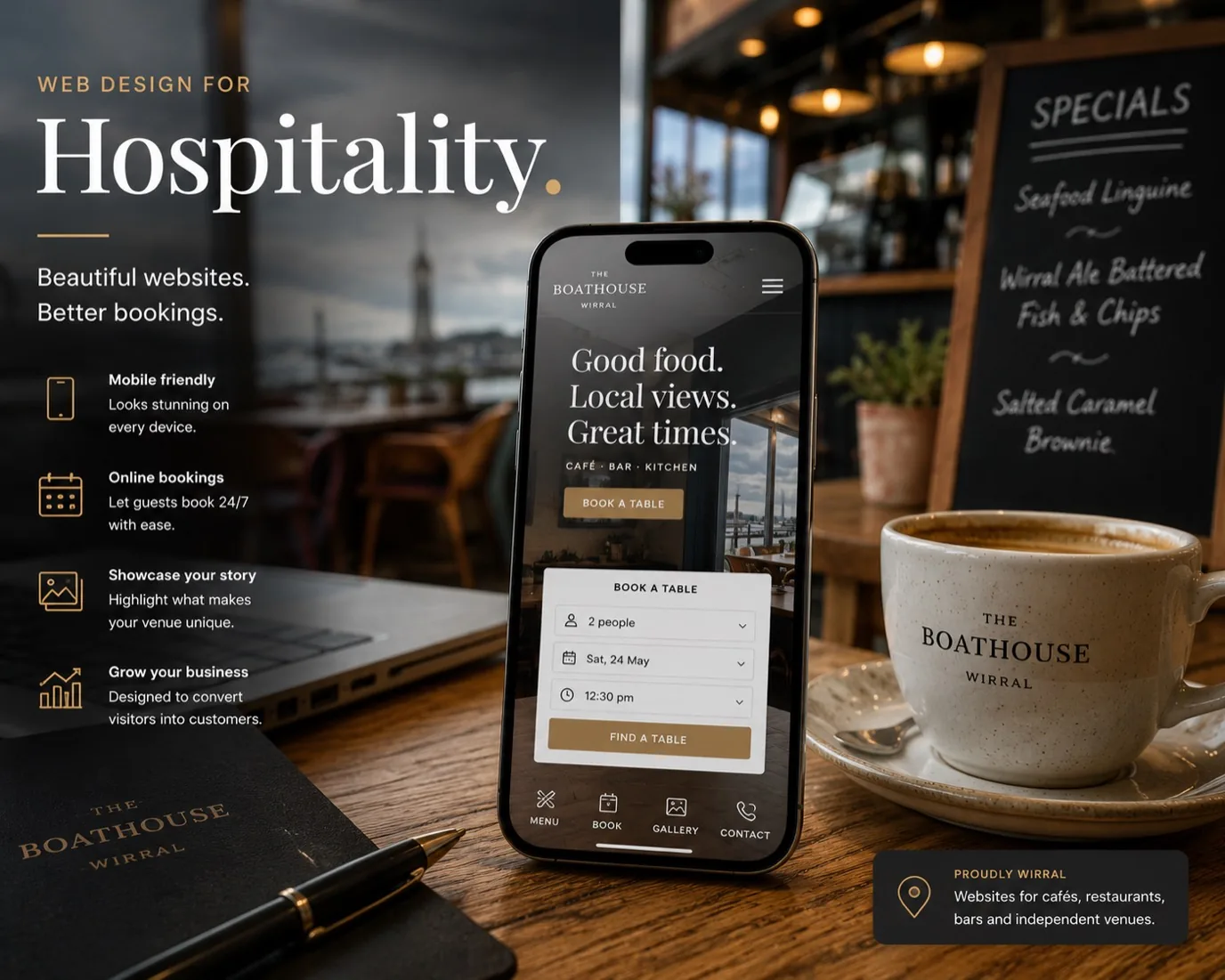
How we build
Web Design for Wirral Cafes and Restaurants
Your Wirral cafe or restaurant's website is your front door. Learn how to design for local customers who are hungry, curious, and ready to visit.
7 September 2026·6 min read
Read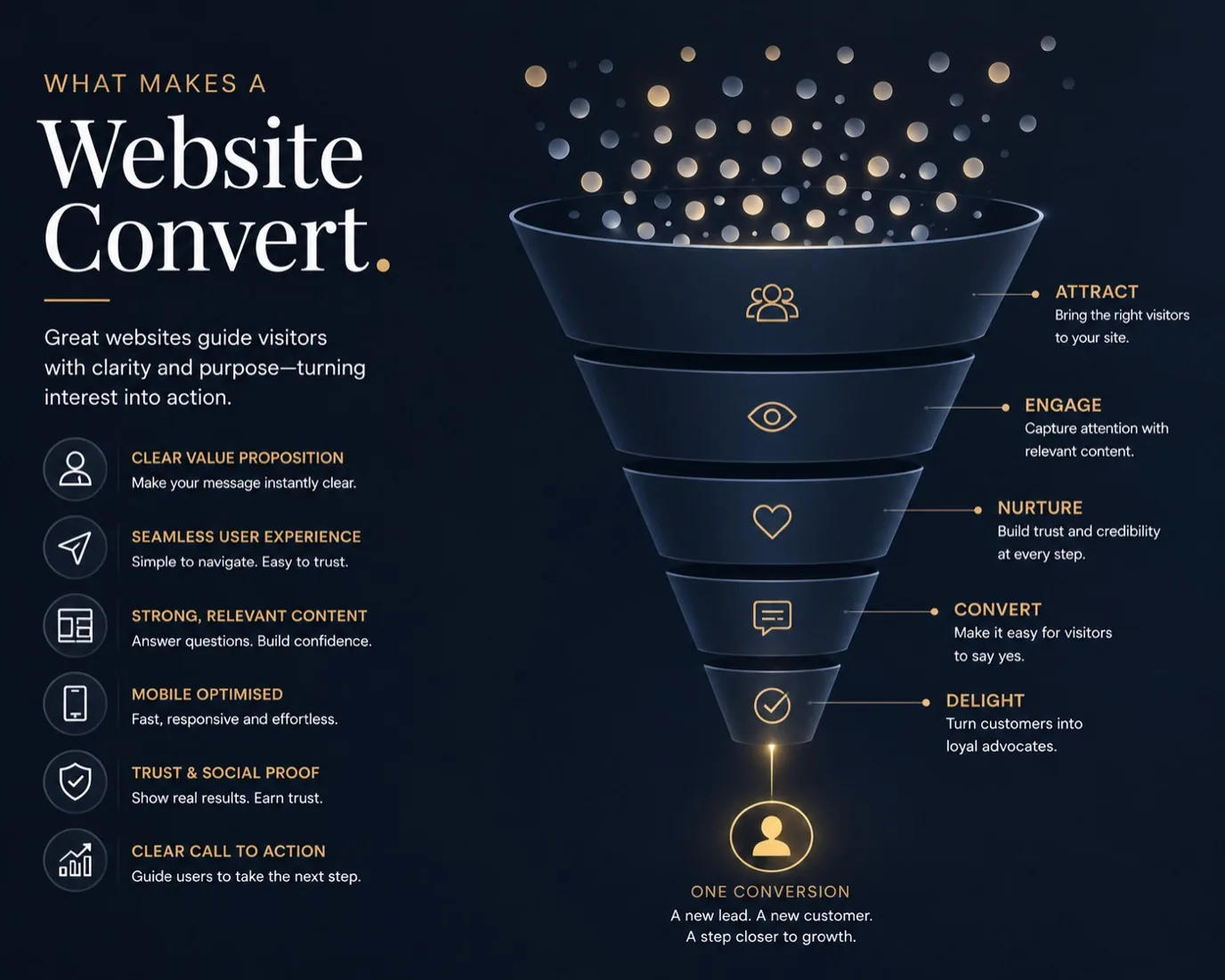
How we build
What Makes a Website Actually Convert
A beautiful website that doesn't convert is just expensive decoration. Learn what actually drives customers to take action.
6 July 2026·6 min read
Read
SEO and GEO
Generative Engine Optimisation: The Complete Guide for Small Businesses
GEO is what gets your business cited by ChatGPT, Claude and Perplexity. It is not SEO with a new name. The full playbook: how AI retrieval actually works, what backlinks do and do not do, the four on-site signals, the off-site signals most guides ignore, and the 12-point audit we run on every site we build.
5 May 2026·18 min read
Read
How we build
PageShift: How We Build Premium Websites in 48 Hours
Speed does not mean compromise. Our PageShift model combines AI-assisted development with hands-on design to deliver polished, high-performance sites in two days.
22 March 2026·4 min read
Read
How we build
The Death of Template Websites: Why Custom Builds Win
Wix and Squarespace served their purpose, but in 2026 the gap between template sites and custom builds has become a chasm. Here is why it matters.
18 March 2026·5 min read
Read
Buying a website
5 Signs Your Website Is Costing You Customers
Your website might look fine to you, but your customers are bouncing. Here are five common problems and the practical fixes for each one.
14 March 2026·4 min read
ReadCase studies
Case Study: The Payment Dashboard That Recovered £12k for a Class Business
A North West class-based business could not see who owed what across three separate systems. A payment-visibility dashboard recovered roughly £12k and saved about 42 admin hours a week.
14 July 2026·6 min read
ReadAI for business
How Much Does AI Automation Cost a UK Small Business?
A straight answer on what drives AI automation cost for UK small businesses: setup versus monthly fees, DIY tools versus a studio build, and when automation genuinely is not worth it.
14 July 2026·7 min read
ReadAI for business
AI Receptionists for Small Businesses: What They Do and What They Miss
What an AI receptionist actually handles, where it falls short, and what to check before you buy one for your small business.
14 July 2026·6 min read
ReadAI for business
How to Use AI to Write Your Website Content: A Practical Guide
A practical guide to using AI tools for website content. What AI does well, where it falls short, and the workflow that produces content worth publishing.
27 May 2026·10 min read
ReadBuying a website
How to Brief a Web Designer: What to Tell Them Before You Start
A practical guide to briefing a web designer or agency. What information to prepare, questions to answer, and how a clear brief saves you time and money.
25 May 2026·8 min read
ReadHow we build
What Is a CMS and Does Your Small Business Website Need One?
CMS explained for small business owners. What a content management system actually does, when you need one, when you do not, and what the alternatives are.
22 May 2026·7 min read
Read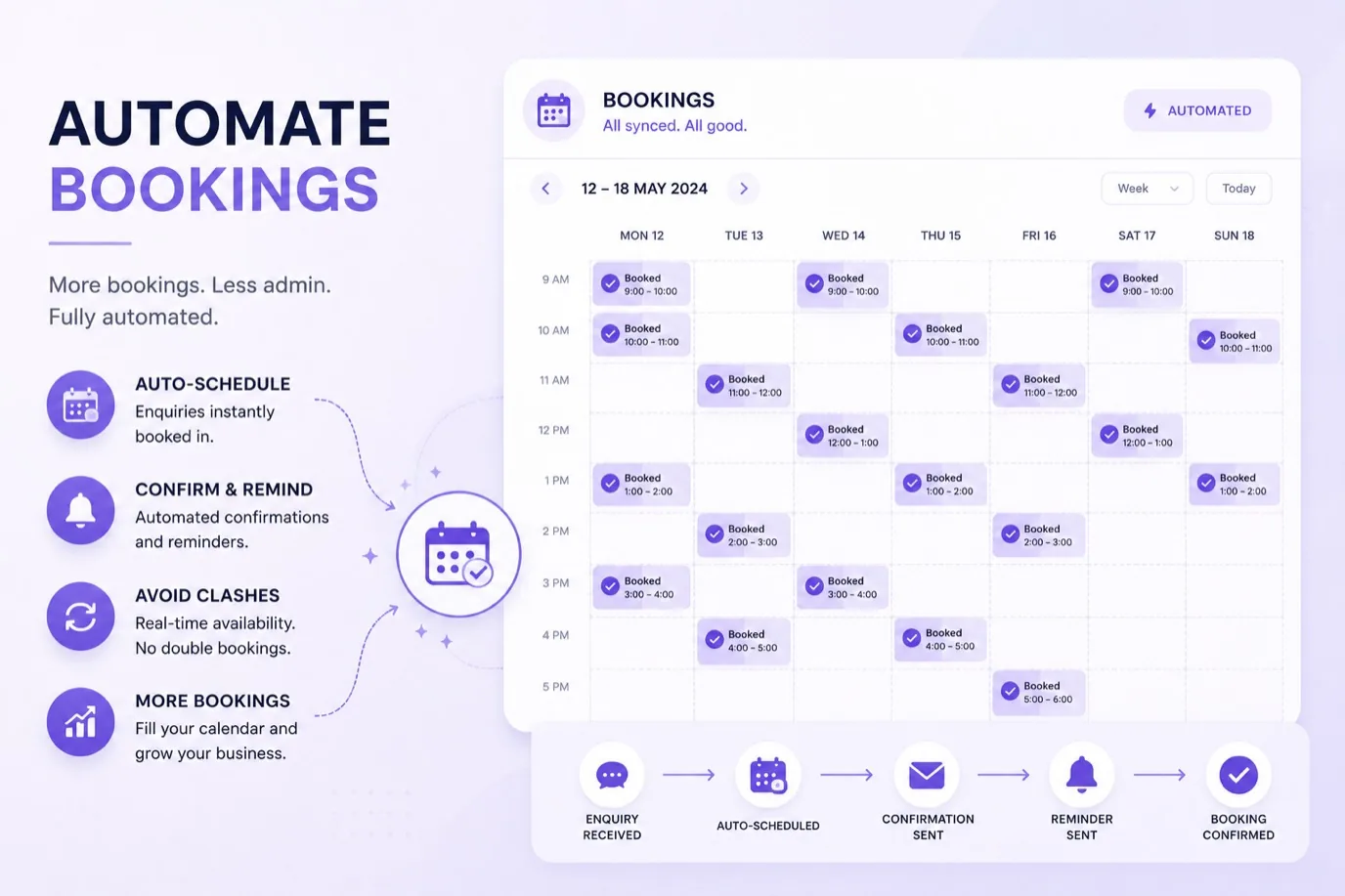
How we build
Fitness Studio Booking Software UK: What to Choose in 2026
Choosing a booking system for fitness studios and gyms in the UK: how Glofox, Mindbody, TeamUp and ClassOps compare, and when a bespoke build makes more sense.
10 August 2026·7 min read
ReadBefore you read another article about what your website should do, it is worth knowing what yours is doing now. Our 12-point website diagnostic is the same checklist we run on a client site before we quote a rebuild. Speed, the five-second test, mobile usability, trust signals, search and AI visibility, schema, privacy. Twelve checks, ten minutes, no sign-up.
Free Bright Loop diagnostic
The 12-point Website Diagnostic Checklist.
The same audit we run on every new client’s site before we quote a rebuild. Twelve checks, ten minutes to read, prioritised against the issues that actually cost you money. Drop your email and we’ll send the link straight to your inbox.
One email with the link. No list-renting, no follow-up sequence unless you ask for one.
Ready to ship yours?
Book a free 45 minute call. We will tell you what to build, what to drop, and what it will cost. Honest answers, no pitch.
Not ready for a call? Quick fit check (3 questions, 30 seconds)