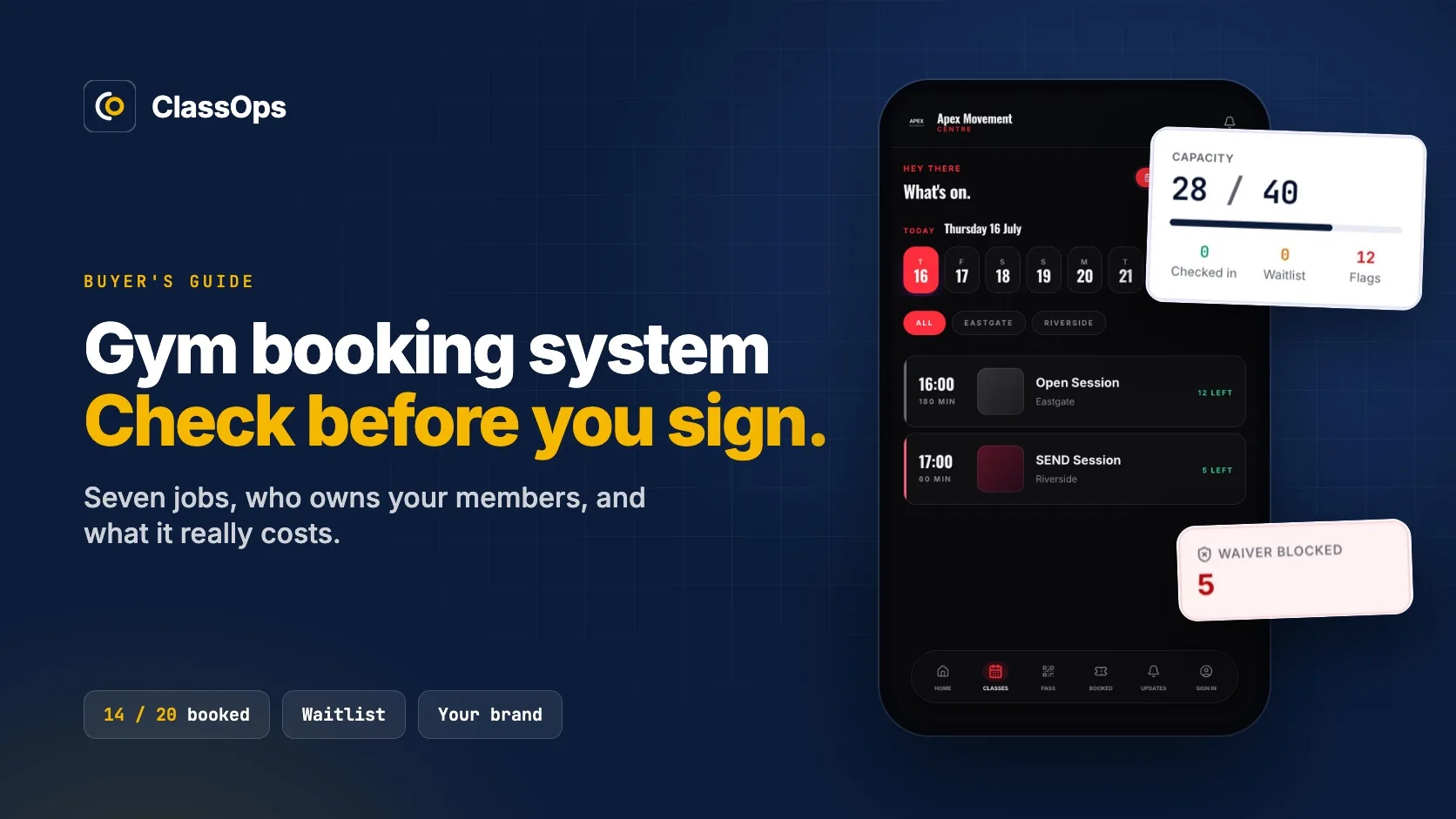
A good gym booking system does seven jobs without fuss: it runs your timetable and class capacity, lets members book from their phone, takes payment at booking, enforces your cancellation rules, sends reminders, runs the front desk, and keeps waivers safe. Choose on those jobs and on who owns the member relationship, not on the length of the feature list.
We build and run ClassOps, a booking platform for gyms, studios, climbing centres and dance schools, so we see this from the supplier's side of the table. Nearly every page that ranks for this search is written by someone selling a booking system. This one is too, in fairness, so it sticks to the questions we would want answered if we were the ones signing.
What does a gym booking system actually need to do?
Strip away the marketing and a class based gym needs the same things done every day, without anyone thinking about them. From the member's side it looks like this: a timetable, a clear count of spaces left, one tap to book, and a waitlist that fills itself when someone drops out.
Your gym
Member timetable
06:00
45 min
HIIT
14 / 20 booked
07:15
45 min
Spin
16 / 16 booked
12:30
60 min
Yoga
9 / 18 booked
18:00
60 min
Boxing
21 / 24 booked
Behind that screen sit seven jobs. Tick the ones your current system handles without a workaround, a spreadsheet or a message to the front desk.
Quick check
Does your current system do all seven?
0 / 7
Tick everything your current system does without a workaround.
It's 6am, the spin class is full, and three people at the front desk are sure they booked. That is the moment a booking system earns its fee or loses it.
Is a booking system for gym classes different from one for personal training?
Yes, and plenty of gyms need both. Some platforms do one well and bolt the other on, so if you run classes and PT, test both during the trial with real sessions, not the demo account.
Class booking
One to many
- A fixed number of spaces
- Waitlist when it fills
- A register at the door
Personal training
One to one
- A trainer's calendar
- Appointment slots
- Often a different price per session
Who owns your members when they book?
This is the question the sales pages skip. On some platforms, members download the platform's app, see the platform's brand and create an account with the platform. They are still your members, but the relationship runs through someone else's front door.
Our view is simple: own your data and your customer relationship. Under UK GDPR your members already have a right to data portability, which means their data has to be available in a structured, commonly used and machine readable format. Ask any supplier to show you a full export before you sign. If they cannot, assume you will be starting again when you leave.
What about health questionnaires and waivers?
Most gyms ask new members for a health questionnaire, often called a PAR-Q, before their first session. That is data concerning health, which the ICO lists as special category data under UK GDPR. It needs extra protection and a valid condition for processing it. A system that shows medical notes to every login on the front desk is a problem waiting to happen.
Here is what that looks like done properly. Waivers are checked before the class, so reception sees who is blocked while there is still time to sort it.

How do gym booking systems charge?
Pricing models vary more than the headline price suggests, and the difference shows up as you grow. The shape of the bill matters more than the number on the pricing page.
How the bill moves as you grow
Flat monthly fee
Same bill whatever your size.
Per member
Rises with every member you add.
Per location
Jumps the day you open site two.
Per booking
Grows with every class you fill.
Ask each supplier for a real total monthly cost at your size today, and again at double your membership. The cheapest tier on the pricing page is rarely the one you end up paying for. These are the questions to take into the sales call:
Take this to the sales call
Five questions for any supplier
- 1Where are health questionnaire answers stored?
- 2Which staff roles can see them?
- 3Can we delete them when a member leaves?
- 4Can you show us a full export before we sign: members, memberships, booking history and waivers?
- 5What is our total monthly cost at our size today, and at double our membership?
Questions one to three matter because health answers are special category data under UK GDPR. Not legal advice.
Is a free booking system for gym classes good enough?
For a single instructor running a few classes a week, often yes. The limits land in the same places: taking payments, your own branding, member numbers, and support when something breaks at 6am. Once you take regular payments and run a front desk, price the paid tier you will actually need, and check how hard it is to move off the free one later.
When does a custom gym booking system make sense?
Off the shelf is the right answer for most single studios. Custom starts to make sense when one of these is true:
- Your monthly cost keeps climbing as your membership grows.
- You run several sites, or booking rules the big platforms cannot express.
- You want members booking under your brand, with the data in a database you own.
- You want the website and the booking system to be one thing, so people who find your classes on Google can book right there.
That last one is why we build websites for gyms and studios with the timetable and booking built in. Weighing the big platforms against each other? Our guide to fitness studio booking software in the UK compares Glofox, Mindbody, TeamUp and ClassOps side by side, and automating bookings covers the reminders that cut the admin.
Questions gym owners ask us
What is the best gym booking system in the UK?
There is no single best one. For a single studio with a simple timetable, an off the shelf platform is usually enough. Multi site gyms, unusual membership rules, or owners who want members booking under their own brand should compare a bespoke or UK built option against the big platforms.
Can members book gym classes from their phone?
Yes. Any gym booking system worth paying for lets members book, cancel and join a waitlist from their phone in a few taps, either in an app or on a mobile booking page. Test it on your own phone during the trial, with a real class.
Is there a free booking system for gym classes?
Yes, several platforms have a free tier. It suits a single instructor running a few classes. Most free tiers limit payments, branding, member numbers or support, so price the paid tier you will need once you grow, not the one you start on.
Can I move my members to a new gym booking system?
Usually, but check before you sign. Member lists normally export as a spreadsheet. Booking history, waivers and saved payment cards are the parts that often stay behind, so ask the new supplier to walk you through the move first.
Do I need a gym booking system and a website?
You need them to work as one thing. Members search Google for your classes, land on your website, and should book right there without being sent off to someone else's brand. The simplest setup is a website with the timetable and booking built in.
The one thing to do next
Before your next renewal, write down what you pay in a normal month, all in, and ask your supplier for a full export of your members. Those two answers tell you whether you are on the right system. If you want a second opinion, book a free 45 minute consultation and we will give you a straight answer, even if that answer is to stay where you are.