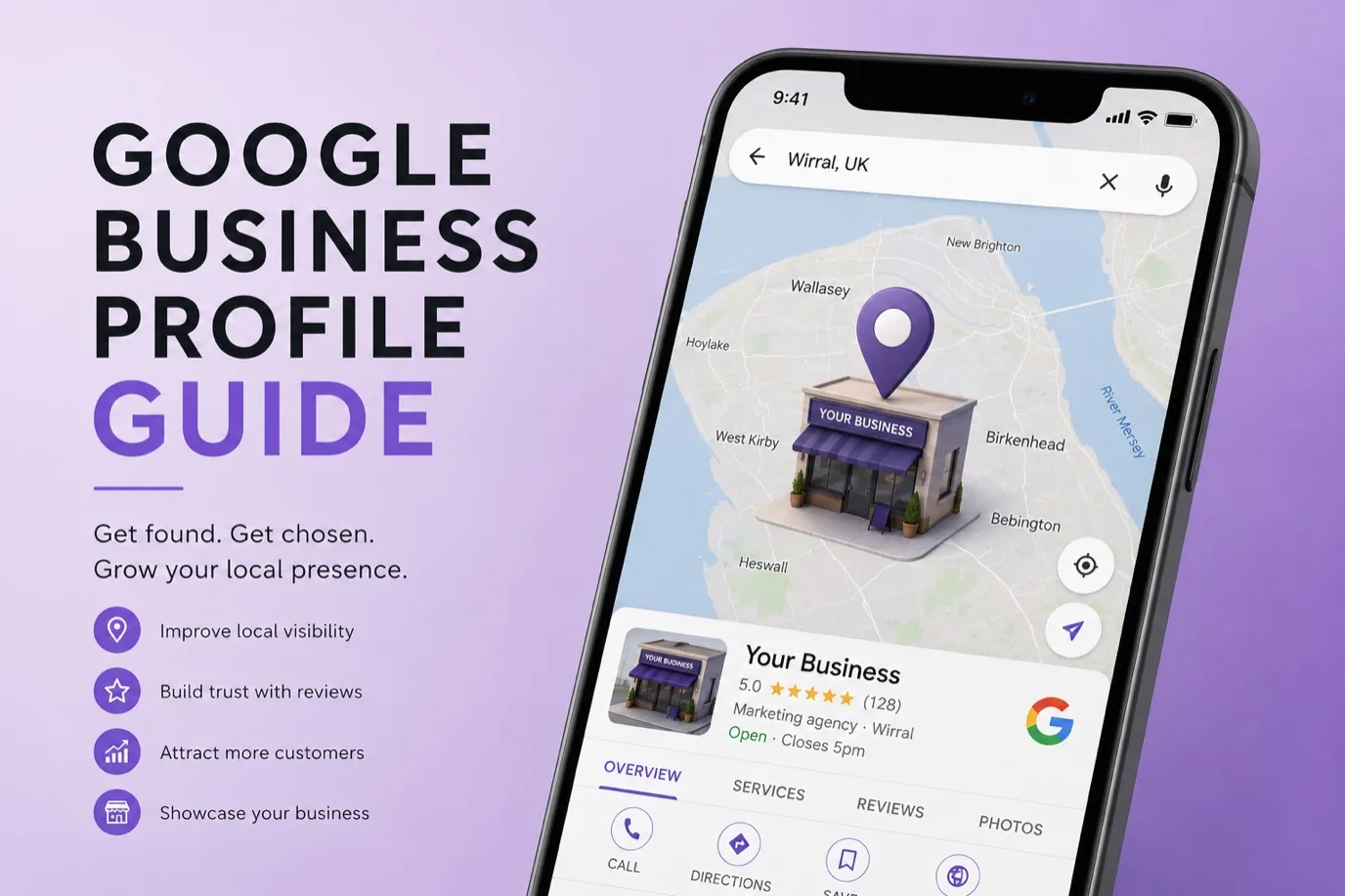
Google Business Profile is an important way for small businesses to get found by local customers. It's free, can be set up properly in a reasonable timeframe, and can influence how many phone calls and visits you get. Yet many businesses leave their profiles incomplete or outdated. A properly optimised Google Business Profile can bring meaningful local customer interest, but only if you set it up right and keep it current.
What Is Google Business Profile and Why It Matters
Google Business Profile is your business information on Google. When someone searches for your business by name or searches for your service in your location, your profile appears on Google Maps and in local search results. It shows your address, hours, phone number, customer reviews, photos, and more.
Why does it matter? Because your customers use it. Someone searching "hairdresser Wirral" will see Google Maps results with your profile, or they'll search your business name and see your profile. If your profile is incomplete or inaccurate, you lose customers to competitors with better profiles. If your profile is excellent, you win calls and visits. The better your profile, the higher you rank in local search and maps.
Setting Up Your Profile
Start by going to google.com/business and signing in with your Google account. Search for your business by name. If it exists already, you can claim it. If it doesn't exist, you can create a new one. The claim process involves Google sending a code to your business address by post, which you then enter to verify you own the business. This usually takes five to ten business days. Once verified, you have full control.
Alternatively, if you have significant online presence already like a website or social media, you might request verification by video or phone. This is faster. Check the options during setup.
During setup, Google asks for your business category. Choose the most accurate one for your industry. This is important for search results. If you're a plumber, select "Plumber" not "Tradesman". Being specific helps Google match you to relevant searches.
Completing Your Profile Information
Your business name should be your legal business name exactly as it appears on official documents. Don't stuff it with keywords or add extra descriptors. "John Smith Electrical" is correct. "John Smith Electrical and All Types of Electrical Work Wirral" is poor because it looks spammy and Google may penalise it.
Your address is critical. It must match your official business address. If you work from home, you can mark your address as "service area" instead of showing your home address. This means customers know you serve their area but don't see your residential address.
Hours of operation need to be accurate. If you're closed Sundays, say so. If you have seasonal hours, you can set them. If you close for lunch, add that too. Accurate hours prevent customers from wasting time trying to reach you when you're closed.
Your phone number should be the main customer phone line. Customers will call this number. If you have multiple phone numbers, pick the best one for customer contact. Email is optional but helpful if you want enquiries that way.
Your website URL must be correct. Link to your homepage, not a random page. Google uses this to understand your business better.
Adding Photos and Videos
Photos are one of the most important optimisation factors. Profiles with photos get more clicks and calls than those without. Add at least five to ten high-quality photos. Include photos of your storefront or office (if you have one), your team, your work, your products, or your services in action.
Photos should be recent, clear, and genuinely represent your business. Avoid stock photos if possible, they look generic. Real photos of your actual work outrank stock imagery. If your business is service-based and you don't have a physical location, photos of completed projects, your team, or your workspace are good.
Add a cover photo that's visually striking. This appears at the top of your profile and makes the first impression. It should reflect your business: a nice photo of your studio, storefront, product, or team.
Videos are optional but helpful. A short video introducing your business or showing what you do can outperform static photos. Anything from phone-recorded clips to professional videos works, as long as it's genuine and helpful.
Filling In Your Description
Your business description should be concise, ideally under 200 characters. Explain what you do and who you serve. "Award-winning hairdressing salon in Wirral, specialising in cuts, colour, and treatments for all hair types." This is far better than no description or a vague one.
Don't stuff keywords artificially. Google penalises profiles that feel spammy. Write for people, not search engines. A human reading your description should immediately understand what you do.
Writing an Excellent Business Announcement
Business announcements appear prominently on your profile. Use this to announce new services, special offers, or important news. "Now offering online booking" or "New salon location" are good announcements. You can have multiple announcements active at once. Update them regularly to keep your profile fresh.
Managing and Responding to Reviews
Reviews are visible on your profile and they influence both rankings and customer decisions. Encourage customers to leave reviews by asking in person, via email after service, or via a review link you can generate in your profile.
Respond to every review. Thank people for positive reviews. For negative reviews, respond professionally and try to resolve the issue. A business that responds to reviews appears active and engaged, which Google's algorithm rewards.
Keep response times short. Aim to respond within a few days. This shows you actively manage your business and care about customer feedback.
Keeping Your Profile Up to Date
Set a calendar reminder to review and update your profile monthly. Check that hours are still correct, photos are recent, and any special announcements are current. Inactive profiles gradually lose visibility in search results. Active profiles with regular updates rank better.
Add new photos regularly. If you've completed a project or your business has evolved, update photos to reflect that. Seasonal businesses should update their hours when seasons change. If your team grows or changes, update team information.
Tracking Results with Insights
Google Business Profile includes an Insights section showing how people found your business. It shows search queries that led to your profile, how many people called you, how many visited your website, and how many asked for directions. Use this data to understand what's working.
If "web design Wirral" brings lots of traffic but "custom website design" brings none, you know your audience searches for your service in specific ways. This informs content and marketing decisions.
Frequently Asked Questions
Is Google Business Profile free? Yes, completely free. Anyone can claim and manage a profile at no cost.
How long before I see results from a new profile? Changes often appear in search results within a few days, though sometimes it takes a couple of weeks for full visibility. New profiles typically start ranking within two to four weeks.
Can I have multiple profiles for one business? Generally no. One profile per business is the rule. If you have multiple locations, you create one profile per location, not multiple profiles for the same location.
What if my business name is already taken on Google? If another business has claimed your name, contact Google Business Profile support. If it's an old or incorrect listing, you can request it be removed or merged with yours.
Do I need a website to use Google Business Profile? No. A profile works standalone. A website helps, especially if you want to drive traffic there, but it's not required to benefit from local search and maps.
Google Business Profile is the closest thing to a free, guaranteed way to reach local customers actively searching for your services. The effort required is minimal, but the payoff is significant. An optimised profile brings calls, visits, and sales. A neglected profile might as well not exist. Let us help you set it up properly and keep it optimised so you capture every local customer searching for you.