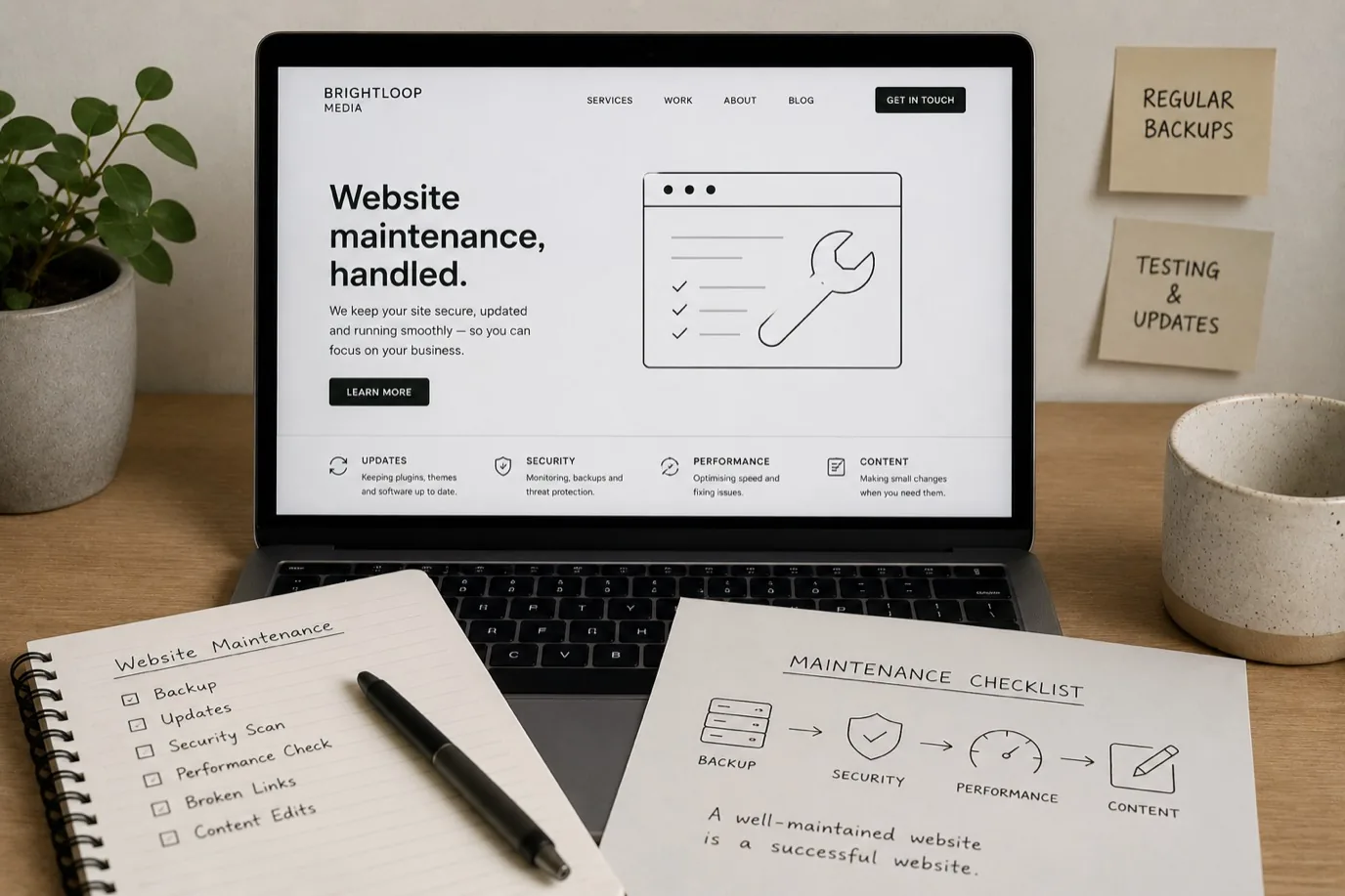
A website is not a one-time project. Like any digital asset, it needs regular attention to stay secure, fast, and visible to search engines. Yet many small business owners launch a site and then leave it untouched for years, wondering why it gradually loses visitors and performs worse over time. The truth is simpler than most think: regular maintenance isn't optional, but it doesn't need to be expensive or complicated either.
Why Website Maintenance Matters
When you stop maintaining a website, three things happen. First, security vulnerabilities build up. Outdated software becomes a target for hackers. Second, your site slows down as outdated code, unoptimised images, and accumulated clutter weigh it down. Third, search engines gradually de-prioritise sites that aren't being actively updated and improved. Regular maintenance prevents all three problems and keeps your site working as a genuine business asset.
Think of it like a shop. If you never cleaned the windows, stocked new products, or fixed broken fixtures, customers would assume the business was closing. The same applies to websites. Neglected sites lose credibility, traffic, and customers.
Security Updates: The Non-Negotiable Task
Security updates are the most critical maintenance task. If your website runs on WordPress, a content management system, or any framework with plugins or dependencies, those packages receive security patches regularly. Delaying those updates leaves your site vulnerable to exploits that attackers actively target.
This isn't theoretical. Hackers scan the web for outdated software versions and exploit known vulnerabilities automatically. They're not targeting you personally, they're just exploiting what's there. Regular updates close those doors before they become a problem. Most updates are straightforward and automatic, but they do need to be applied. If your team manages your site, ask them how often they apply security patches. If you manage it yourself, set a calendar reminder to check for updates monthly.
Content Updates and Relevance
Search engines prefer websites that are regularly updated. This doesn't mean you need to blog twice a week, but updating at least some content regularly signals that your business is active. For many small businesses, this means updating your homepage or services page occasionally to reflect current offerings, adding testimonials when you get them, or refreshing case studies.
If you run a blog, search engines reward consistent publishing. You don't need to publish daily, but one to four posts per month is a realistic target for most small teams. These posts should answer questions your customers actually ask. They don't need to be long, just genuine and helpful.
Other content that improves visibility includes updating your Google Business Profile regularly, refreshing your team page, and keeping service descriptions current. Small, regular updates send a signal that your business is thriving and cared for.
Performance and Site Speed
Over time, websites accumulate unnecessary files, unoptimised images, and outdated code that slows them down. A slow site frustrates visitors and ranks worse in search results. Regular maintenance includes cleaning up unused files, compressing images, removing plugins you no longer use, and auditing page speed.
Your hosting environment also needs attention. If your web server isn't properly configured, or if backups aren't running regularly, a crisis can take your entire site offline. A good hosting provider handles much of this, but it's worth checking that you're using reliable hosting and that backups are being taken regularly.
Page speed is measured by real user experience. Tools like Google's PageSpeed Insights show how your site performs on real devices and networks. Working to improve your PageSpeed score is worthwhile. If your site scores lower, your team can optimise images, reduce unnecessary JavaScript, and improve server response times.
Backups: Your Safety Net
Regular backups are the difference between a minor incident and a catastrophe. If something goes wrong, a recent backup means your site can be restored within hours. If you have no backups, you might lose months or years of work.
Backups should happen automatically, at least weekly for most businesses, and more frequently if your site changes daily. If your site is hosted with a reputable provider, they often handle backups automatically. Check with your hosting provider to confirm backups are running and that you can actually restore from them if needed.
SSL Certificates and HTTPS
Every modern website should use HTTPS, which encrypts data between your visitors' browsers and your server. This is handled by SSL certificates, which need to be valid and current. Most hosting providers renew these automatically, but it's worth checking that your site shows a padlock icon in browsers and that visitors see HTTPS in the address bar.
If your SSL certificate expires, browsers will warn visitors that the site is insecure, which destroys trust instantly. Fortunately, most providers renew these automatically now. If you manage your own SSL, set a calendar reminder to renew well before expiry.
When to Handle Maintenance Yourself, and When to Get Help
Small maintenance tasks like writing blog posts or updating team photos you can do yourself. Most websites now have user-friendly interfaces for adding content, so no technical skills needed. Security updates, hosting configuration, and performance optimisation, though, are technical tasks that most business owners are better off outsourcing.
The cost of even a small security breach or prolonged downtime far exceeds the cost of professional maintenance. Consider it an insurance policy. If you're based in the Wirral or North West and don't have an in-house technical team, getting help from a specialist agency means your site stays secure, fast, and visible without you needing to learn complex technical skills.
Frequently Asked Questions
How often should I update my website? Security updates should be applied as soon as they're available, often automatically. Content updates should happen at least monthly, even if just refreshing one page or adding a testimonial. If you run a blog, aim for one to four posts per month.
Can I do all maintenance myself? Some tasks yes, others no. Writing content you can handle. Security updates, backups, and performance optimisation are best left to professionals unless you have technical expertise. Mixing DIY and professional help is common and works well.
What happens if I don't maintain my website? It becomes slower, less visible in search results, and more vulnerable to security breaches. Over months, you'll notice fewer visitors and lower search rankings. In worst cases, security exploits can take your site offline entirely.
How much does website maintenance cost? Costs vary widely depending on what's included, but regular maintenance from a professional is typically modest compared to the cost of downtime or a security breach. Ask for a clear breakdown of what's covered.
Do I need to maintain a website if it's just informational? Yes. Even informational sites need security updates, backups, and SSL certificate renewal. Content updates are less critical if your business rarely changes, but the technical housekeeping still matters.
Maintenance is the difference between a website that fades into irrelevance and one that stays competitive and secure. You don't need to become a technical expert to keep your site healthy. The key is having a clear plan and reliable support. Let us handle the technical side while you focus on running your business.